

Others
Section 4: Others
eTour @ Northbrooks
Parents/Guardians and students and click on the link below to find out more about the school
Parents Gateway
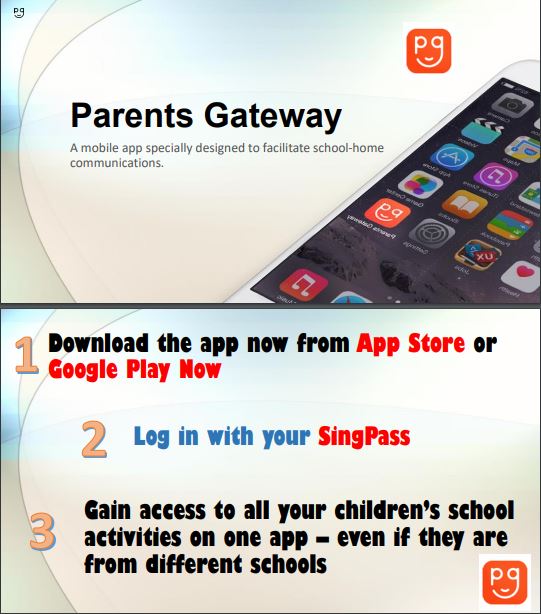
Click here for more information
School Locker Rental
| SCAN TO PAY OR PAYNOW TO UEN:201629913E |
GOOGLE QR CODE - Application Form |
SCHOOL CODE |
|---|---|---|
/SchLocker_Paynow.png) |
/SchLocker_GoogleQRCode.jpg) |
Northbrooks Secondary School – NBSS |
Step 1: Please scan QR to pay or PAYNOW to UEN: 201629913E
Key in PAYNOW reference with < STUDENT NAME>
e.g. Northbrooks Secondary School = NBSS Jason Lim.
Kindly screenshot the receipt of payment.
For New applicant: $35.00 (inclusive padlock), Renewal: $25.00
Step 2: Please scan Google QR code to upload the receipt, fill in the student details and submit the application.
Step 3: Upon receipt of your application form and payment, you will be duly informed of your assigned locker number and padlock combination code via email.
Step 4: New Applicant: The new padlock will hang on the assigned locker, and you may use it.
Renewal: Please hang the padlock on the assigned locker and use it.
*If the locker is secured with a plastic cable tie, please cut it, and start using the locker.
Important Note: For new applicant and new padlock purchase, payment and application submitted after 14th Jan 2022, please proceed to our office for self-collection of the new padlock. Kindly make an appointment via email before coming to the office.
Collection Address: 33 Ubi Avenue 3 #07-66/67 Vertex Singapore 408868.
Available Time: Monday to Friday (10am–1pm OR 2pm–5pm)
For further enquiry, please email rent@lockerandlock.com
Northbrooks Social Media
Dear Sec 1 students and parents/guardians, we would like to invite you to ‘like’ and ‘follow’ our Facebook & Instagram pages to stay connected with the school.
Facebook: https://www.facebook.com/officialnorthbrooks
Instagram: http://instagram.com/officialnorthbrooks